Yo-kai Watch 4++
Yo-kai Watch 4++ (Nintendo Switch) on PC: a static recompilation by ILFforever, version launcher-v1.6.2. For Windows, Linux. Requirements and install steps.
Screenshots
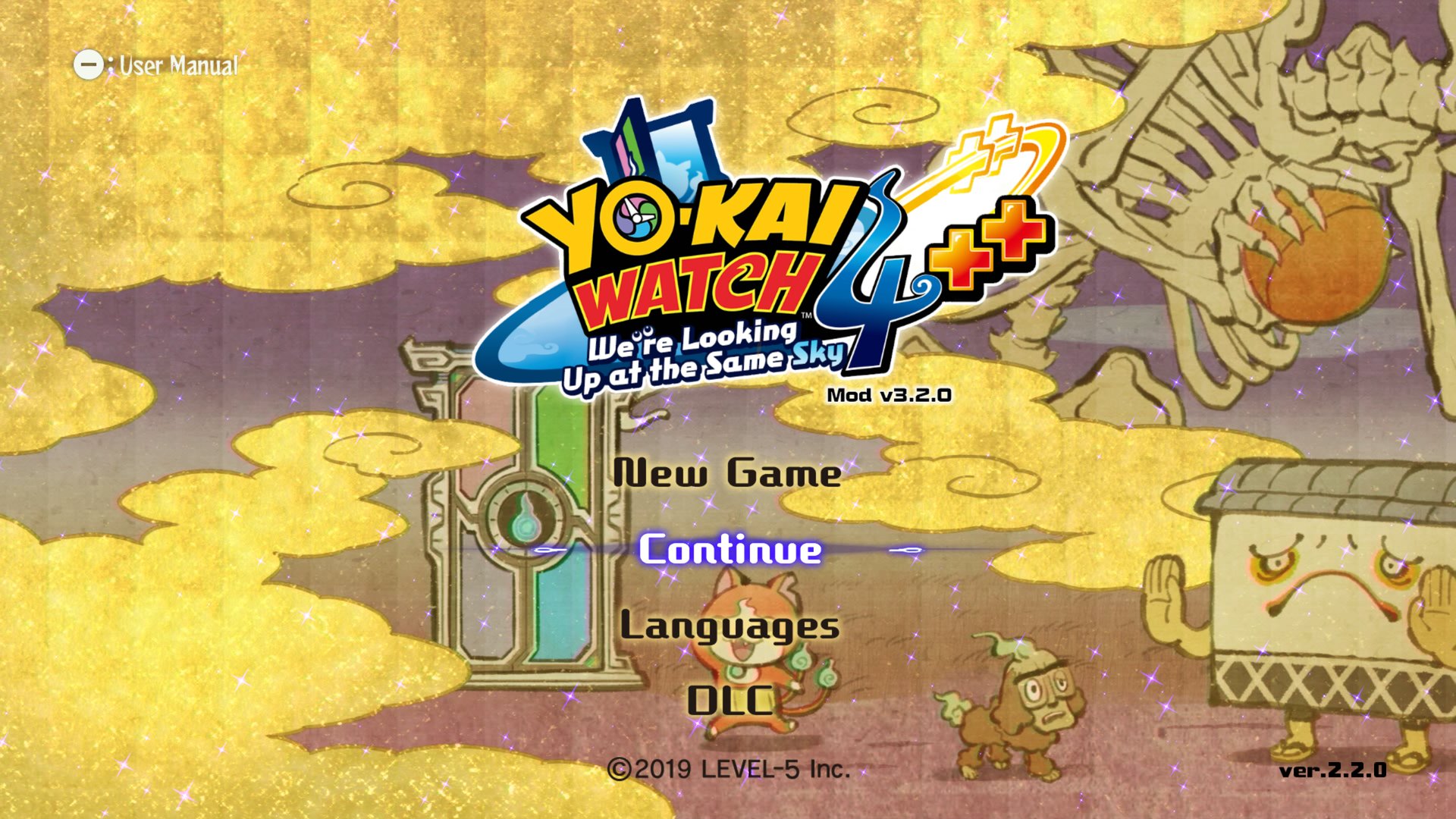
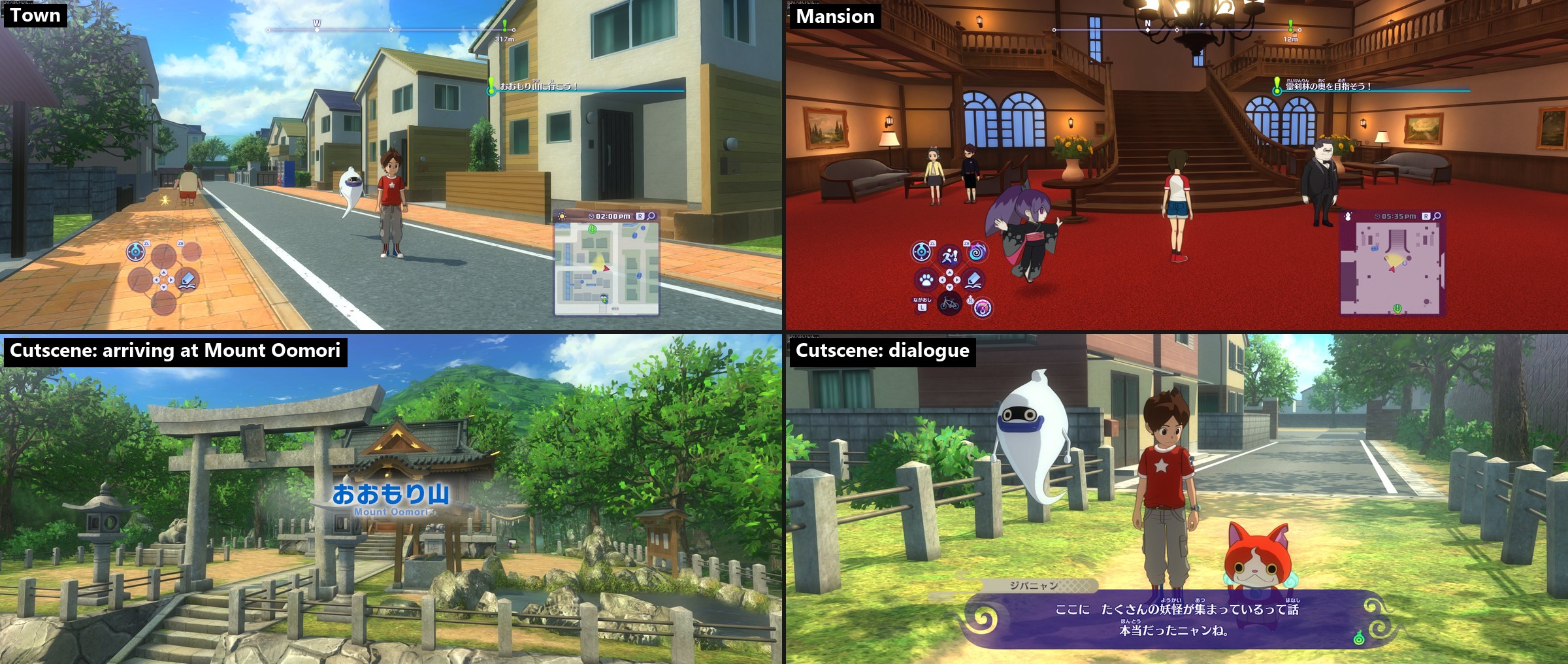

How this port works
This is a static recompilation: tooling mechanically translates the original console binary into PC code rather than rewriting the game by hand. The result runs natively, typically with an uncapped framerate and widescreen.
Yo-kai Watch 4++ statically recompiled into native Windows and Linux builds. w/120++ fps, ultrawide support, DLSS FSR XeSS + Framegen, Keyboard and Mouse, Online and Mod support. Bring your own dump: no game files or keys included.
How to install
- 01Supply your own copy of Yo-kai Watch 4++. The project distributes no game files.
- 02Download the latest release from the project's GitHub page.
- 03Pick the build for your system: Windows, Linux.
- 04Extract it into an empty folder outside Program Files.
- 05Point the program at your own game files when prompted.
- 06Set resolution, frame cap and input before playing.
These projects ship no game data. Supply your own copy.
Frequently asked
Do I need the original game to play Yo-kai Watch 4++ on PC?
What does "recompiled" mean?
Will Yo-kai Watch 4++ run on a low-end PC?
Which systems does it support?
Is it legal to use?
Maintain this project?
Tell us if something here is wrong or out of date, or if you would rather the project was not listed. Every request is read by a person.
Request a correctionRequest removalReport a broken link
Optional badge for your README

[](https://pcport.org/en/game/yo-kai-watch-4-pc-port)<a href="https://pcport.org/en/game/yo-kai-watch-4-pc-port"><img src="https://pcport.org/badge.svg" alt="Listed on PCPort" width="116" height="20"></a>